

Member Directory
Let members browse, search, and connect with each other. Display profiles, roles, products, and team badges in a beautiful, searchable directory.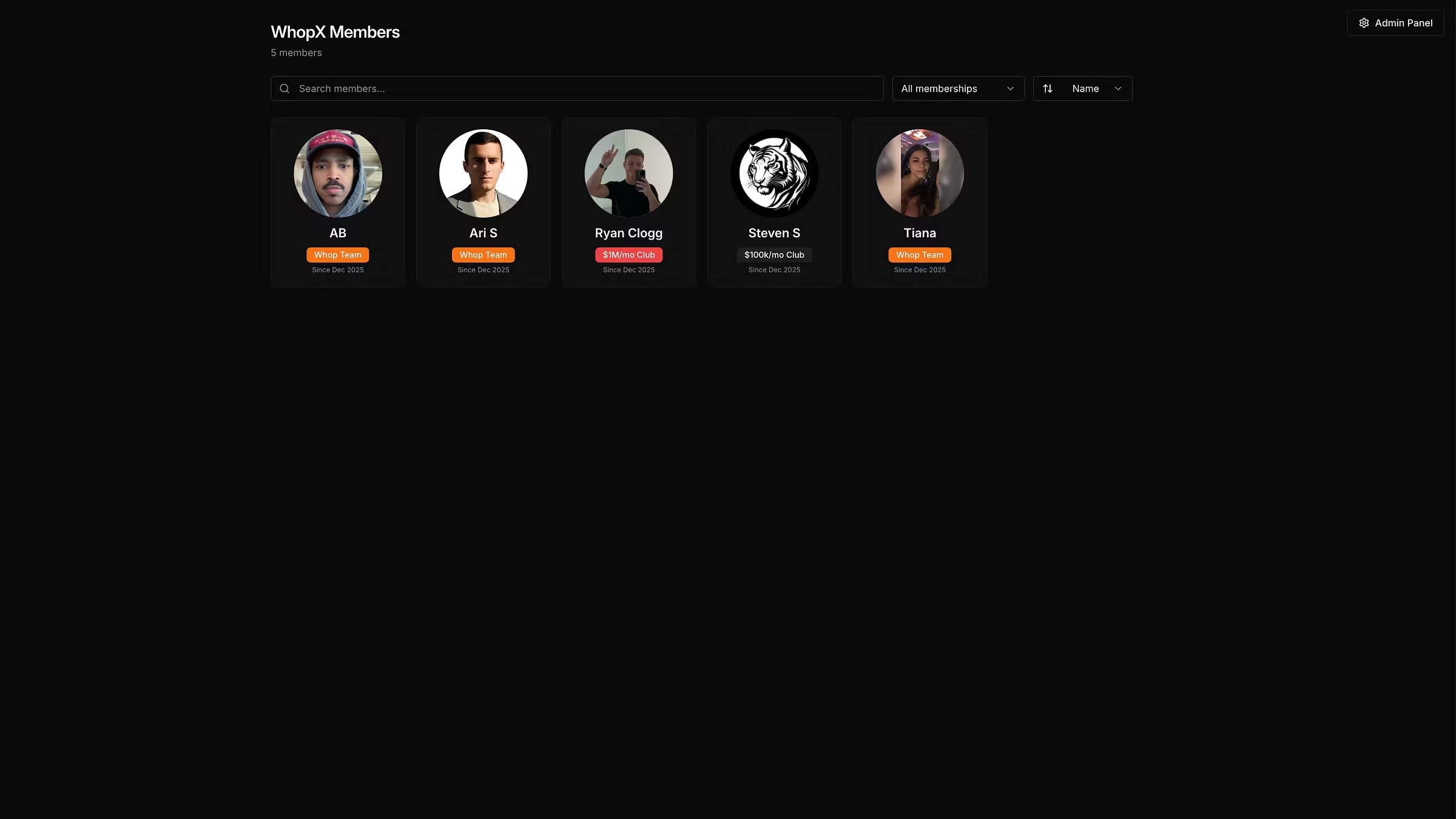
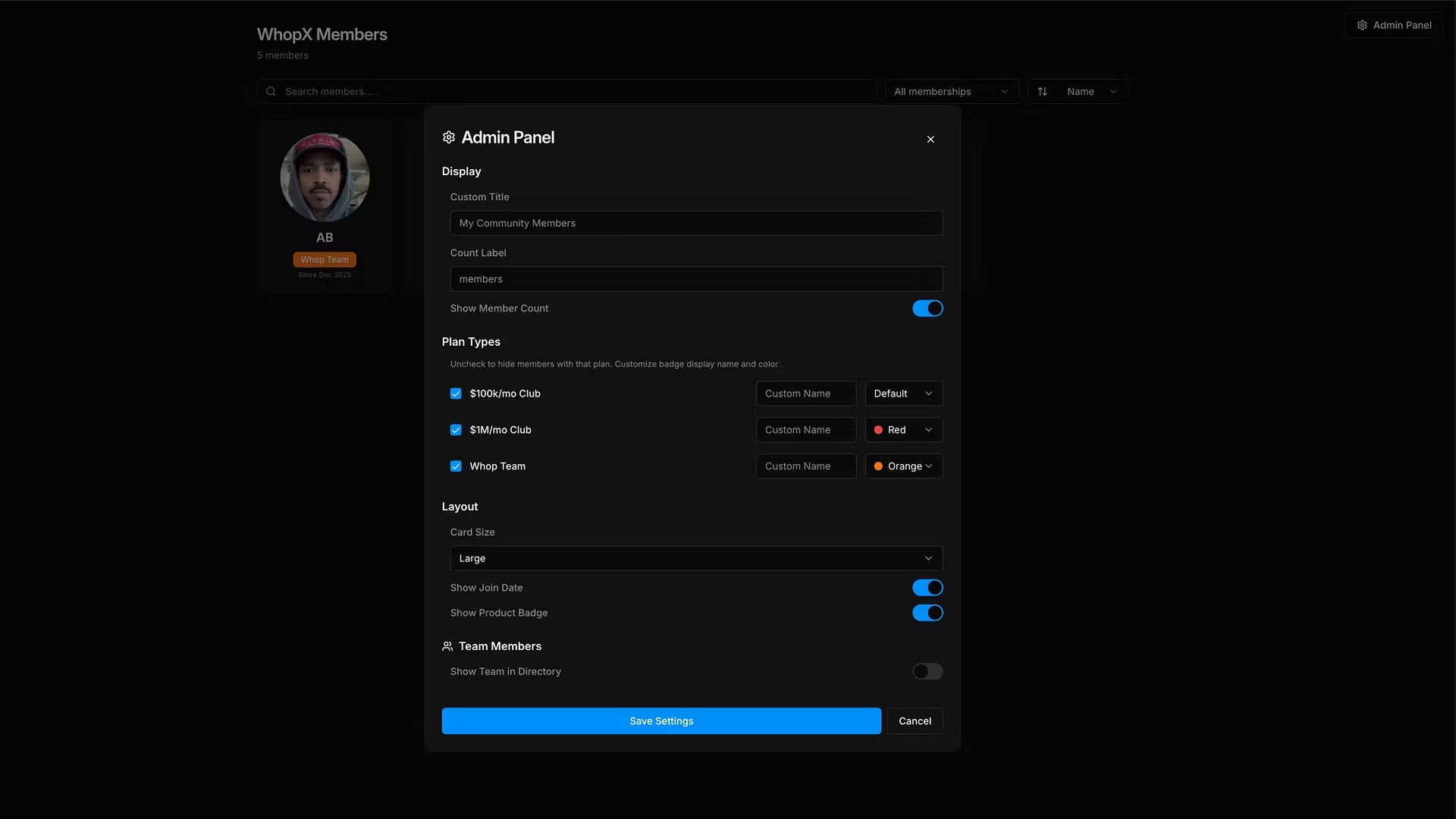
See Who's In Your Community Member Directory gives your members a visual, searchable directory of everyone in your whop. Members can browse profiles, discover who's in the group, and connect with each other — turning your community from a faceless chat into a real network. Why Communities Love It - Searchable member list: Find anyone instantly by name, username, or role - Rich member profiles: See avatars, bios, join dates, and social links at a glance - Product and role badges: Show which products each member has access to and highlight team members with special badges - Team member highlights: Admins and staff stand out so members know who to reach out to - Zero setup required: Just install and your directory is live. No configuration needed. Perfect For - Paid communities and masterminds: Help members network and find collaborators - Coaching groups: Let students see who else is in the program - Trading and investing groups: Members can discover and connect with fellow traders - Creator communities: Build real connections between your audience - Courses and cohorts: Students can find study partners and accountability buddies - Any community that wants to feel more connected and less anonymous How It Works 1. Install Member Directory on any product 2. Members instantly see a beautiful grid of everyone in the community 3. Search, filter, and click into profiles to learn more 4. Team members are highlighted with badges so members know who runs the show Built for Whop Member Directory reads your existing member data, products, and team roles. No manual setup, no syncing, no extra work. It just works. Free to install. Works on any whop. Makes your community feel alive.